
Vadhod APK Extractor
Back up any app on your phone, without anything leaving it.
Extract the APK of any installed app to a folder you choose. Split apps are bundled so they actually reinstall. The app has no way to reach the internet.

The whole app, in one file
<uses-permission android:name="android.permission.QUERY_ALL_PACKAGES" />

<uses-permission android:name="android.permission.INTERNET" />never declared
One permission, and it is the one the app
is for: listing what you have installed. There is no networking code anywhere in the project, and
a unit test fails the build if INTERNET is ever added.
What it looks like
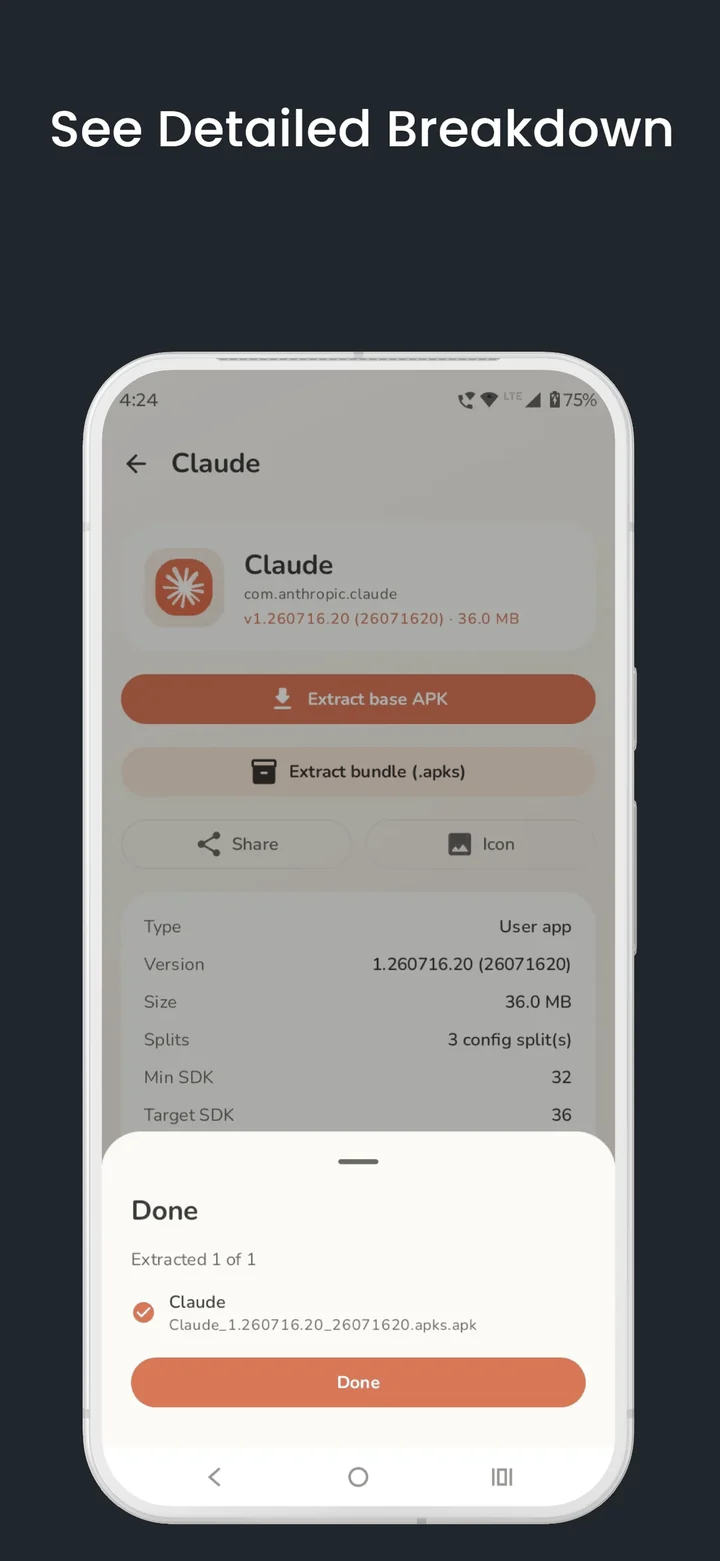
Split apps, handled properly
Most apps on the Play Store no longer ship as one file. They arrive as a base APK plus separate pieces for your screen density, your language and your processor. Extractors that hand you only the base APK give you a backup that will not reinstall.
Simple apps → one .apk
Nothing clever. A single, clean APK file you can install anywhere.
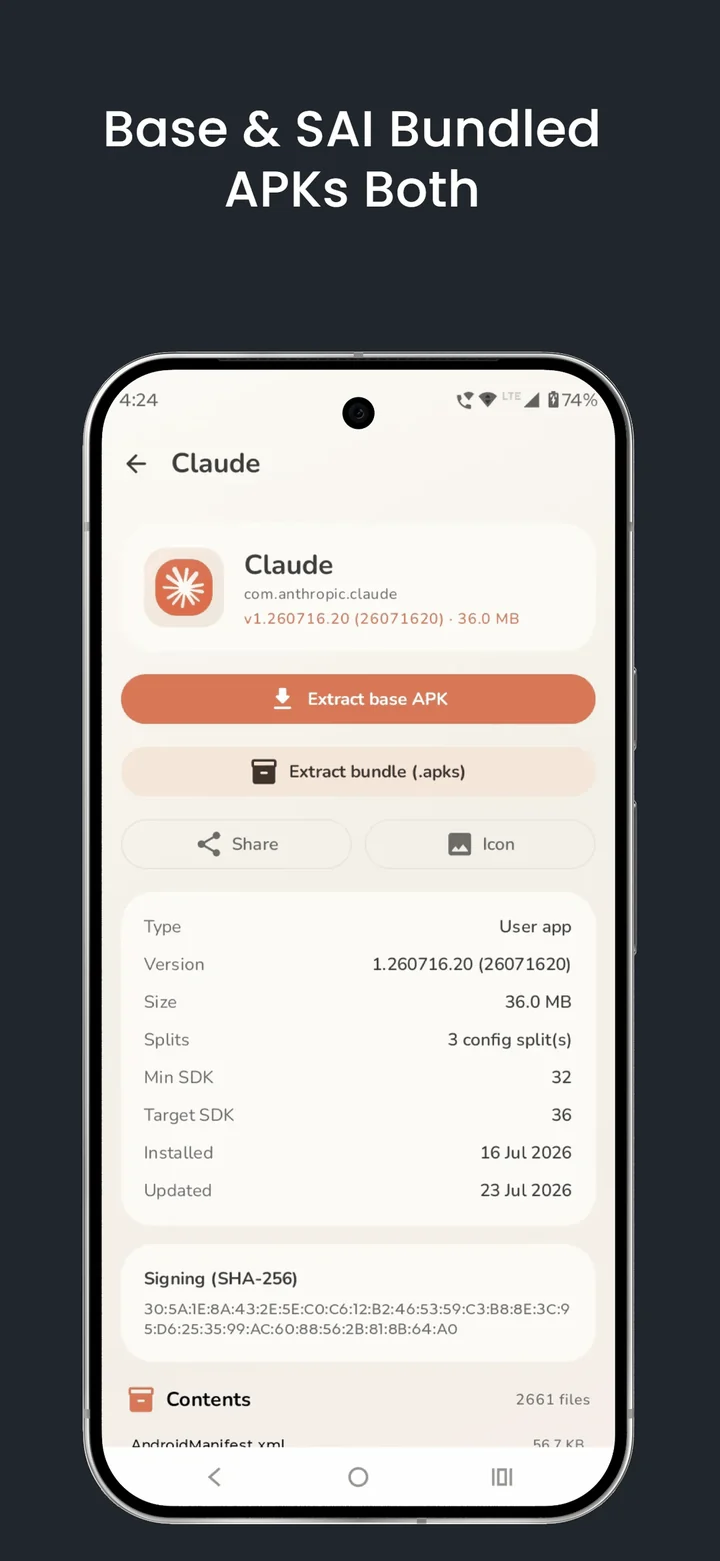
Split apps → one .apks bundle
The base and every split are packed into a single archive that reinstalls as the complete app.
Everything it does
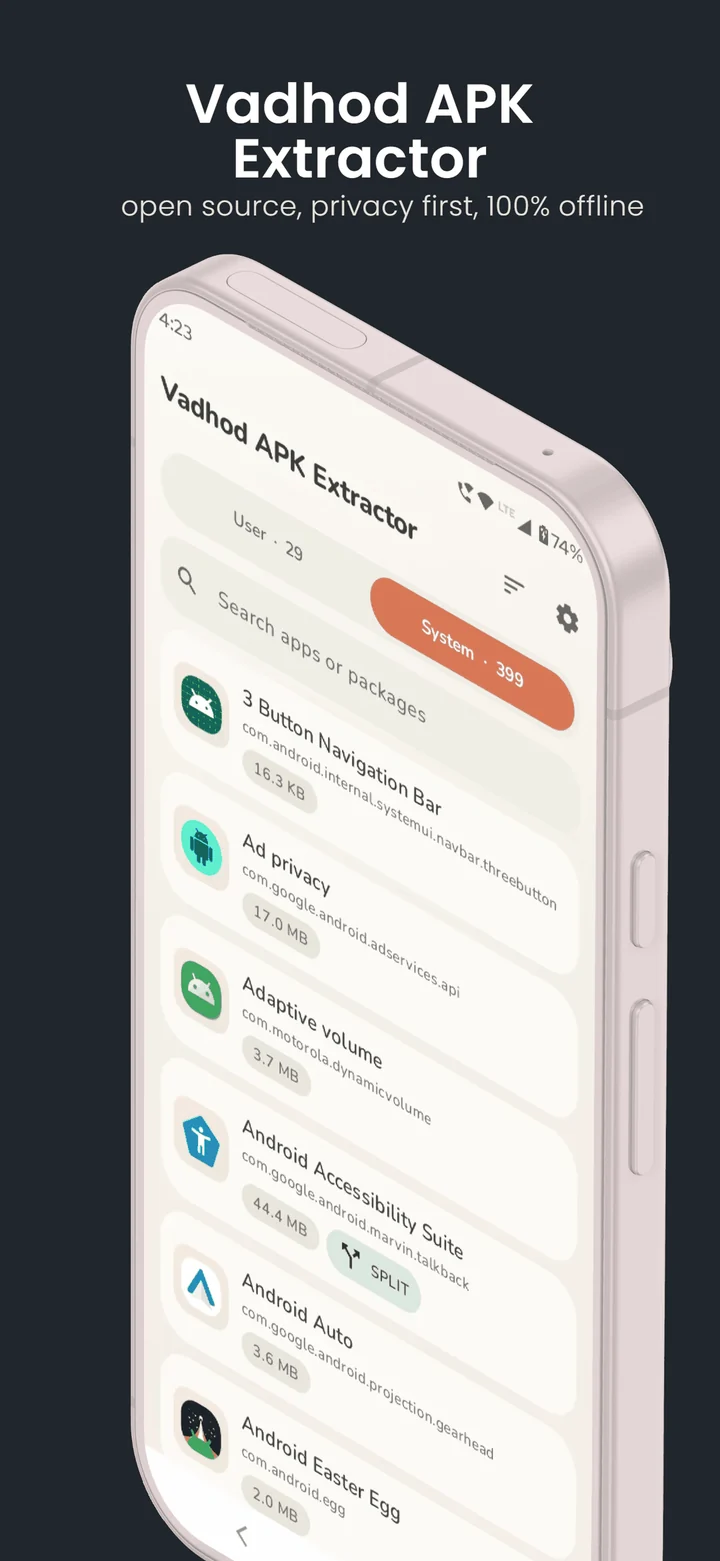
Browse and search
Every installed app across System and User tabs. Sort by name, size, install date or last update.
Extract in batches
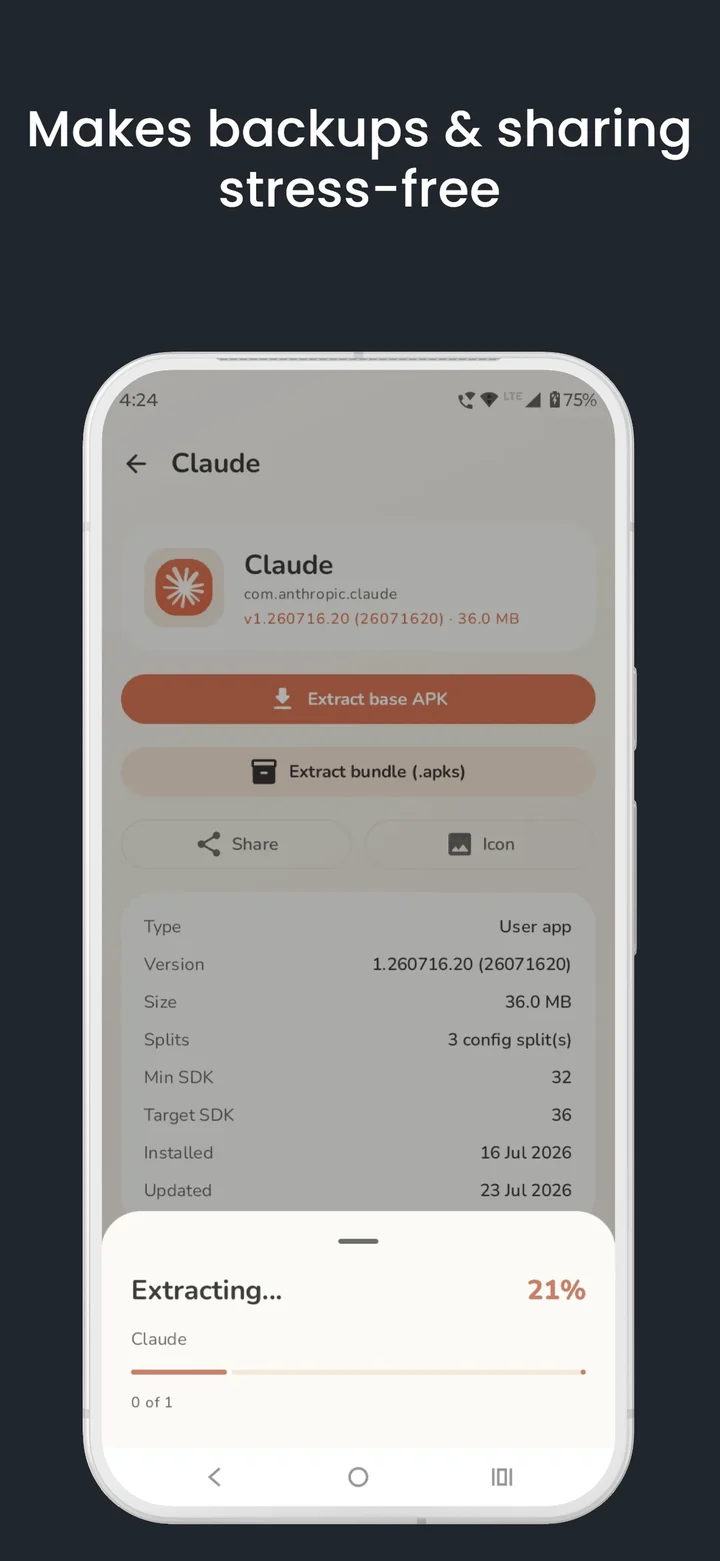
Select as many apps as you like and extract them in one go, with progress for each item and for the whole job.
Choose where files land
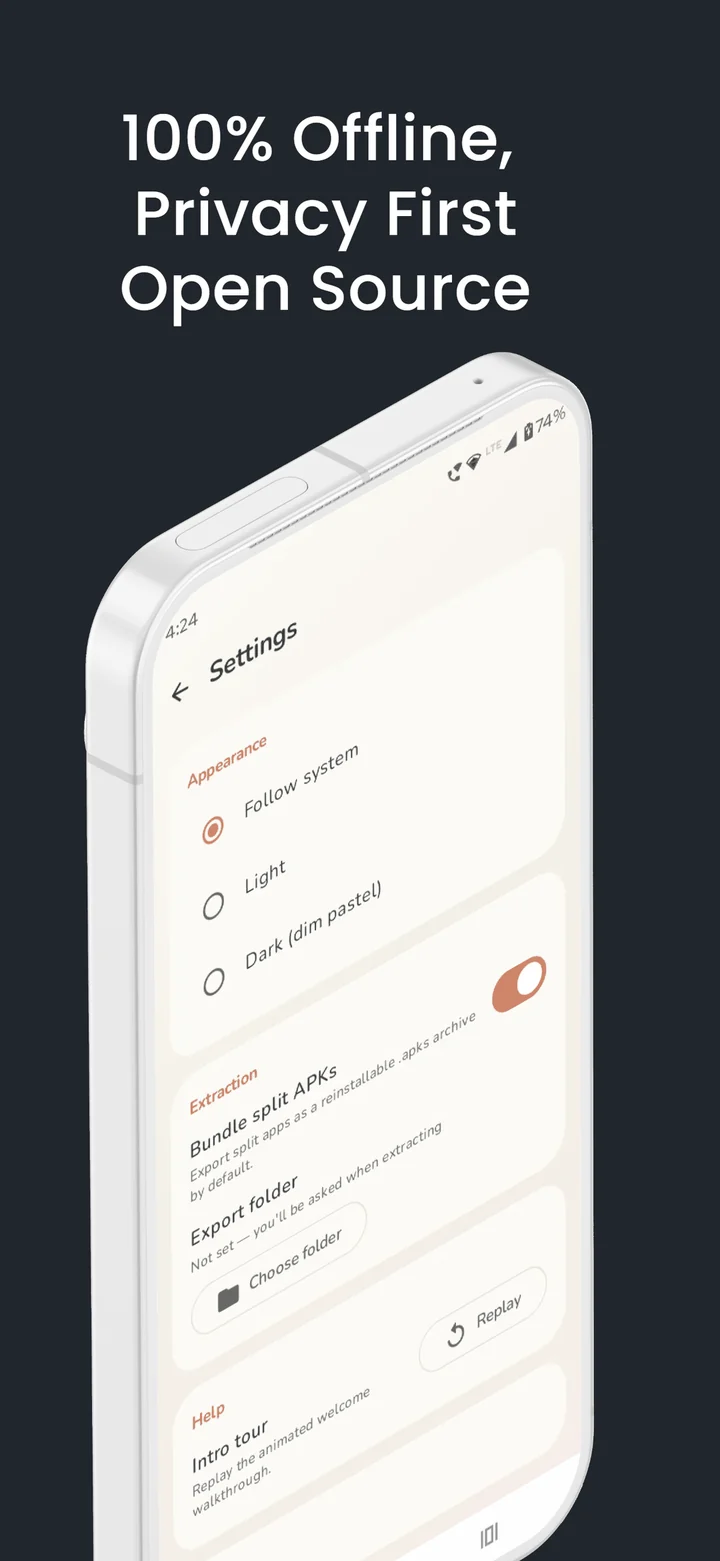
You pick the destination folder with the system file picker. The app writes there and nowhere else — it holds no broad storage permission.
Inspect before you trust
Version, size, minimum and target SDK, install dates, the signing certificate SHA-256, and a full listing of what is inside the APK.
Share and export
Send an extracted APK to another app, or save any app's icon as a PNG.
Light and dark
A soft pastel design that follows your system theme, your font size and your reduce-motion setting.
Details
| Requires | Android 10 (API 29) or newer |
|---|---|
| Size | About 3 MB |
| Permissions | QUERY_ALL_PACKAGES only |
| Network access | None — no INTERNET permission |
| Ads, trackers, accounts | None |
| Root or Shizuku | Not required, not used |
| Licence | GPL-3.0-or-later |
| Source | github.com/pgxor/com.vadhod.apkextractor |
| Report a bug | GitHub issues |
A note on where you install from. Google Play re-signs apps with its own key, so the Play version and the GitHub version have different signatures. Android will not let one replace the other — pick a source and stay with it, or uninstall before switching. Download and verification details.